Sign Out
You can sign out of the phone application and optionally sign in as another user.
| ➢ | To sign out: |
| 1. |
|
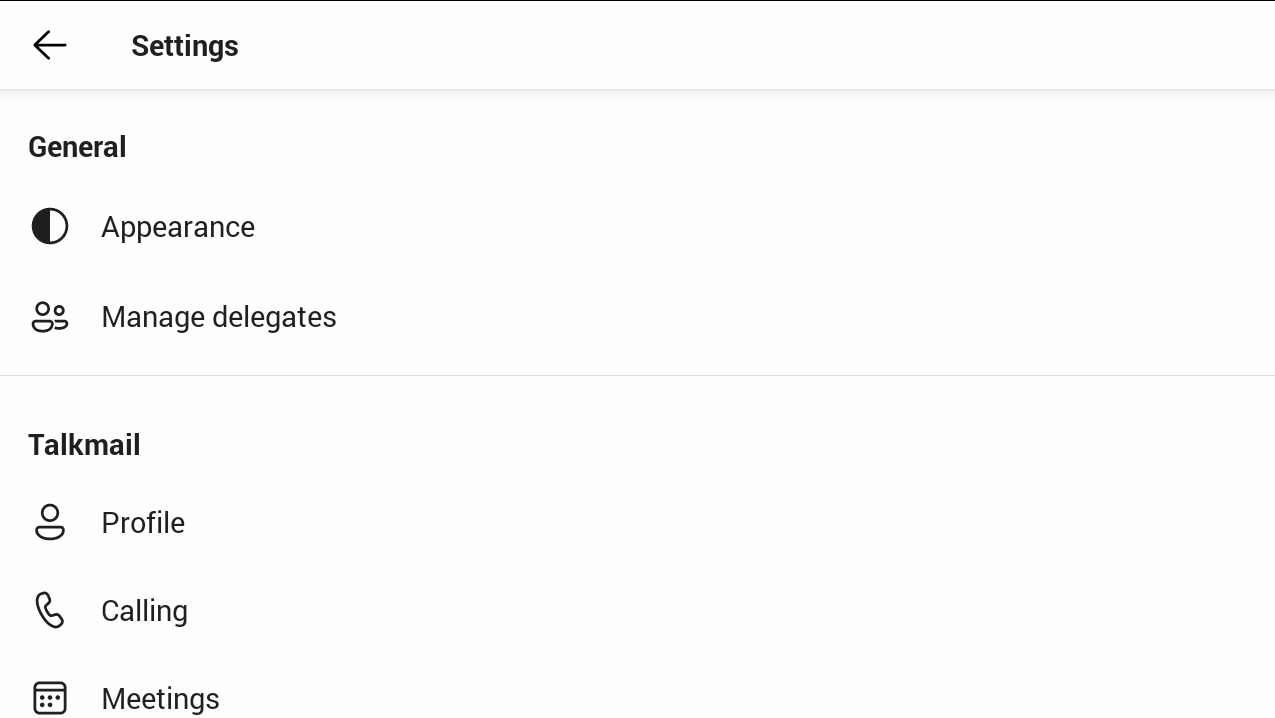
Alternatively, in the Calls screen (or People screen, Calendar screen or Voicemail screen), press the MENU key.
| 2. |
|
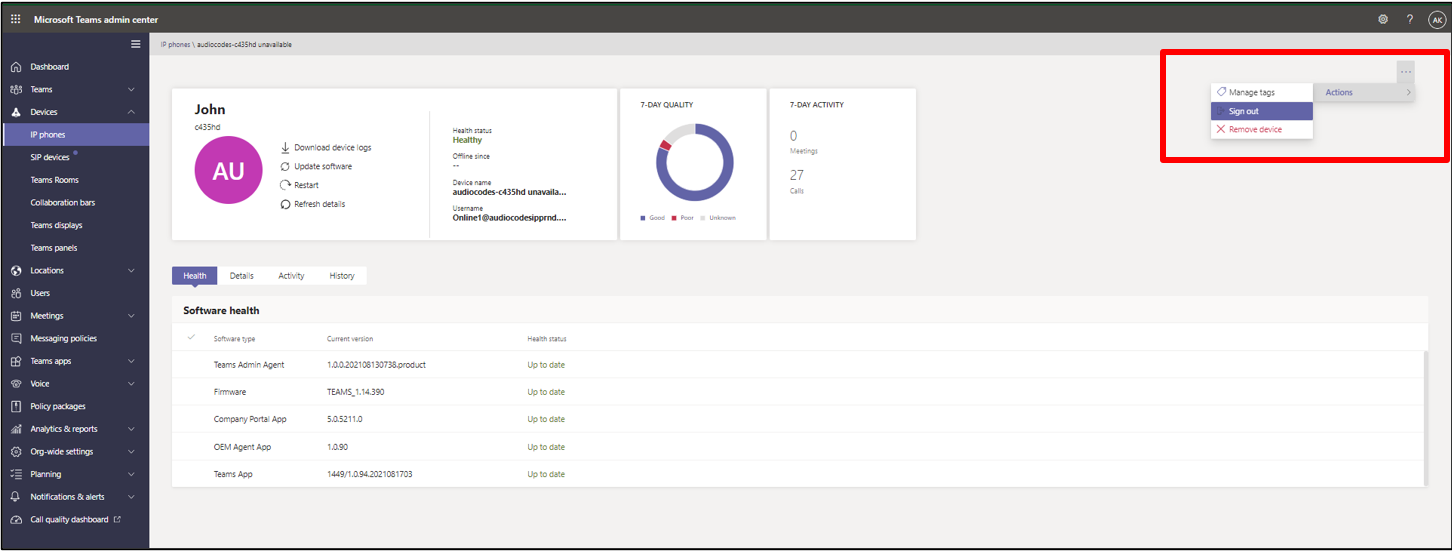
Network administrators can alternatively sign out from devices using Microsoft Teams Admin Center (TAC). Network administrators can also remotely sign in and provision devices from Microsoft's TAC.